
Microsoft continues to evolve windows 11 with new updates focused on artificial intelligence, productivity, security and performance. Throughout 2026, the company has introduced several features designed to make the operating system smarter, faster and easier to use for both casual and professional users.
Here’s a close look at the 11 biggest windows 11 features making headlines this year.
1. Smarter AI Assistance with Copilot
Microsoft has significantly upgraded the Windows Copilot, turning it into a more intelligent assistant capable of helping users write emails, summarize documents, generate images, troubleshoot PC problems, and automate everyday tasks using natural language commands.
This improved Copilot can also understand what’s happening on your screen and provide contextual suggestions.
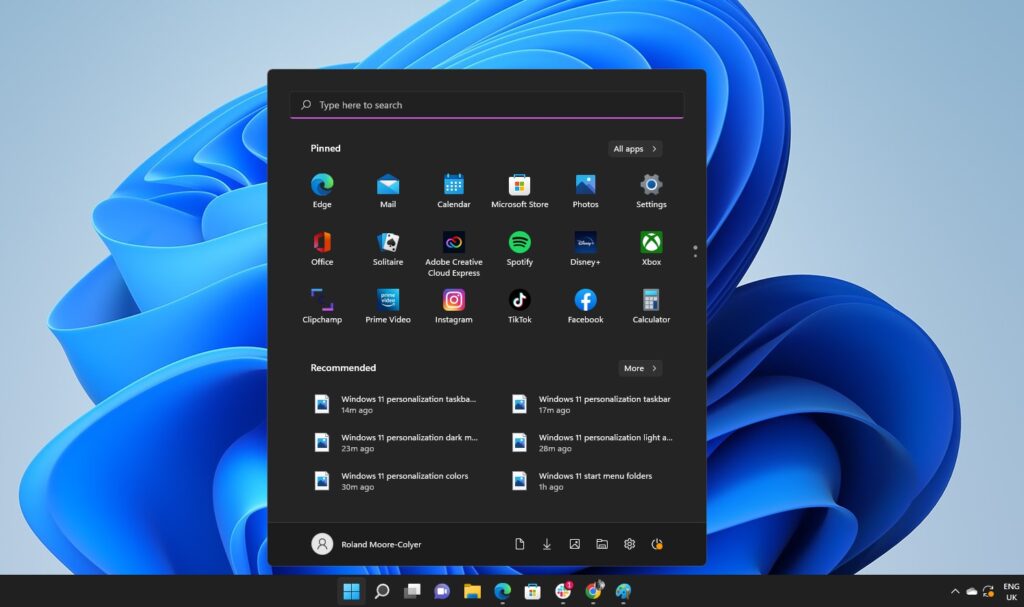
2. Redesigned Start Menu
The start menu has received one of it’s biggest redesigns since Windows 11 launched.
New improvements include :
- Better app optimizations
- Larger customizable layouts
- Easier access to recent files
- AI-powered recommendations
- Faster search results
This update makes navigating Windows smoother and more personalized.
3. AI-Powered File Search
Finding files is now much more easier.
Instead of remembering exact file names, users can search using natural language. For example, typing :
” Photos from last Christmas. “
allow Window AI to locate relevant files instantly.
4. Improved Battery Life
Microsoft has optimized Windows 11 to reduce background resource usage, helping laptops last longer on a single charge.
The operating system now intelligently manages applications running in the background while preserving performance.
5. Enhanced Snap Layouts
Multitasking continues to improve with smarter Snap layouts.
Users can :
- Save favourite workplace layouts.
- Arrange multiple windows more easily.
- Restore window positions automatically after reconnecting external monitors.
This feature is particularly useful for professionals working with multiple applications.
6. Better Gaming Performance
Gamers also benefit from several improvements.
Windows 11 now includes :
- Faster game loading times.
- Better DirectStorage optimizations.
- Improved audio HDR support.
- Low latency during gameplay.
- Enhanced Game Mode performance.
These upgrades provide smoother gaming experiences on compatible hardware.
7. Stronger Security Protection
Security remains a major focus in 2026.
Microsoft has introduced:
- Improves phishing protection.
- Smarter Windows Defender AI detection.
- Stronger password protection.
- Enhanced protection against ransomware.
- Better security alerts for risky websites and down
These features help keep users safer online.
8. Faster Window Updates
Microsoft has reduced update installation time by delivering smaller, more efficient downloads with minimal disruptions.
Many updates now complete much faster than previous Windows releases.
9. New Accessibility Features
Windows 11 becomes more inclusive with accessibility improvements such as :
- Better Live captions.
- Improved Voice Access.
- Enhanced Narrator voices.
- AI powered speech recognition.
- Easier keyboard navigation.
These updates help make Windows more accessible for users with disabilities.
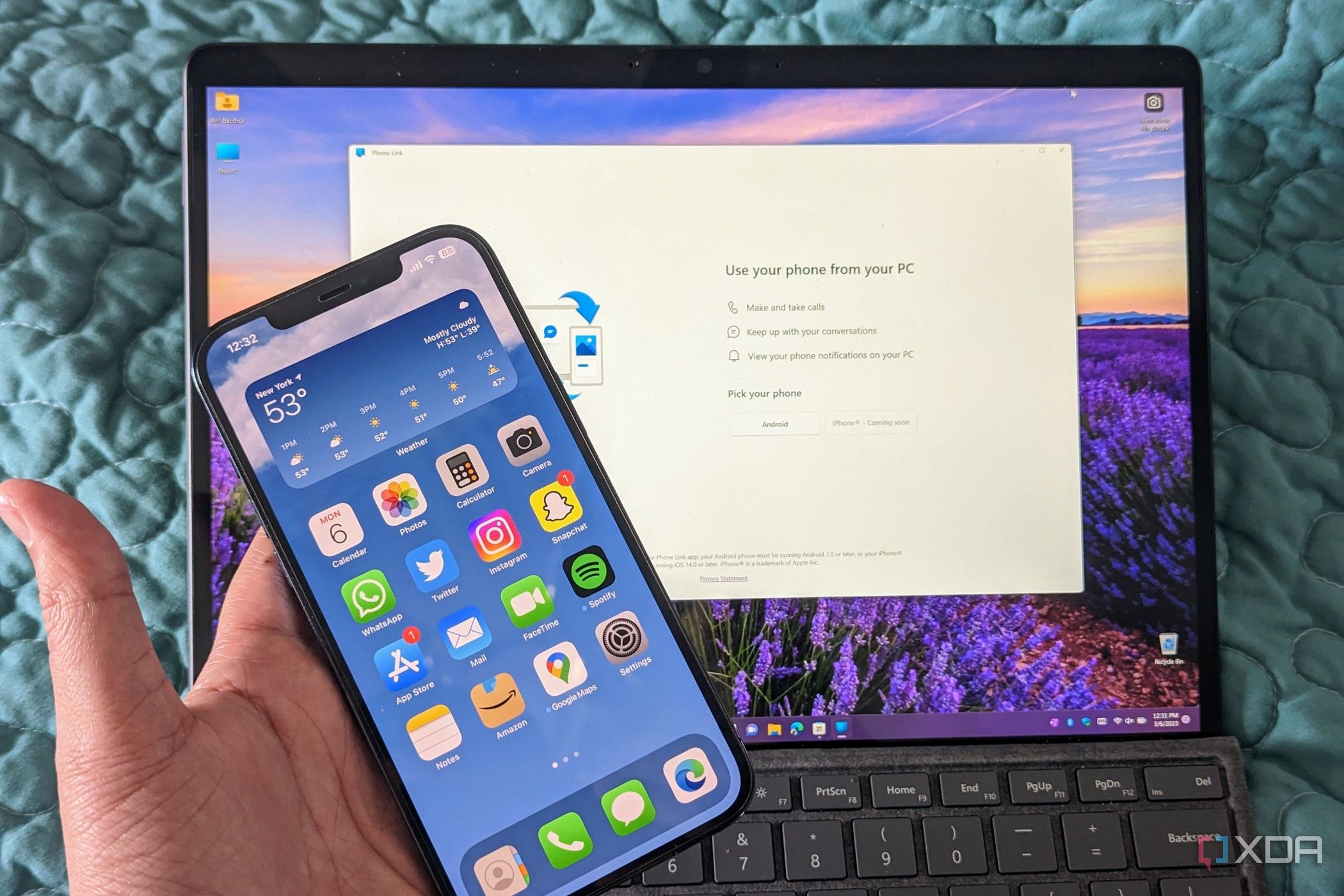
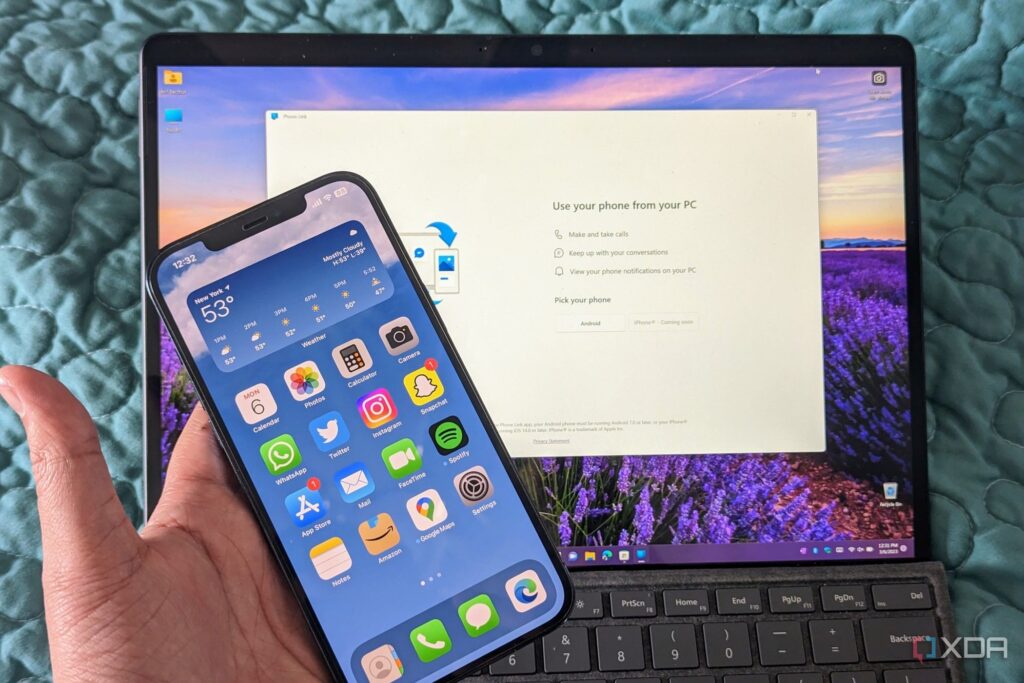
10. Improved Phone Integration
Phone Link has become even more powerful.
Android and support mobile devices can now :
- Transfer files more quickly.
- Make and receive calls.
- Share clipboard content.
- Mirror notifications instantly.
- Send messages directly from Windows.
The improved integration creates a seamless experience across devices.
11. Better performance and stability
Microsoft has also focused on improving the overall reliability.
The latest Windows update include :
- Faster load times.
- Reduced memory usage.
- Better CPU optimization.
- Improved SSD performance.
- More stable system updates.
- Fewer crashes and bugs.
These behind-the-scenes improvements makes Windows feel more responsive than ever.