


Your computer’s central processing unit (CPU) is the heart of the system, handling billions of calculations every second to keep everything running smooth. Although modern processors are designed to last very long, they are not indestructible. While complete CPU failure is relatively common, it often gives warning signs before it stops working entirely. Knowing these signs can help you act early, protect your valuable data and avoid expensive repairs.
1. Frequent System Crashes
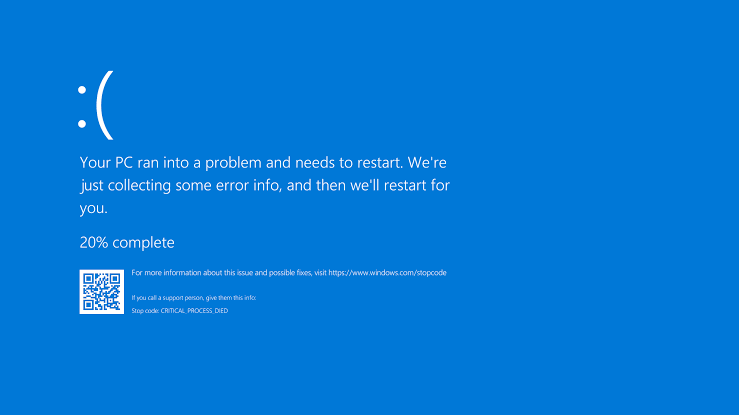
One of the earth signs of a failing CPU is frequent system crashes. Your computer mat freeze unexpectedly, restart on it’s own or display the blue screen of death (BSOD) while performing normal tasks. If these crashes continue even after reinstalling the operating system or updating drivers, the processor could be the underlying problem. However it’s important to rule out issues with the RAM, storage devices or software before concluding the CPU is at fault.
2. Constant overheating
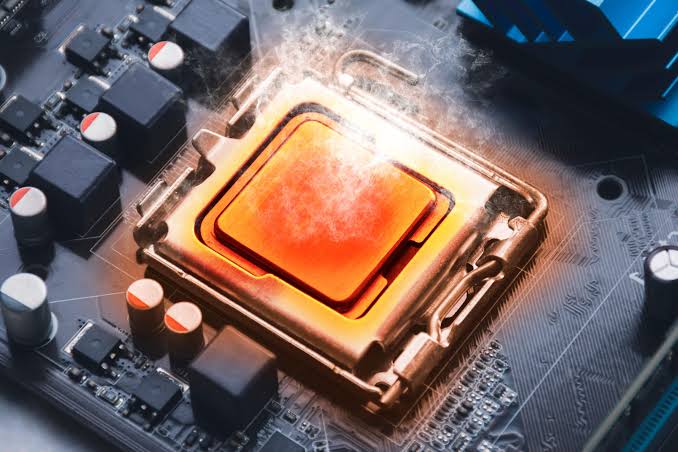
A CPU naturally generates heat, but it should operate within safe temperature limits. If your processor continues to overheat despite cleaning dust from the fans, replacing the thermal paste, or improving airflow inside the case, it may be showing signs of internal damage. Excessive heat can reduce performance, trigger automatic shutdowns, and eventually cause permanent hardware failure if left unchecked.
3. Poor Performance And Slow Response
A failing CPU may struggle to execute instructions efficiently, resulting in slow application launches, lag during multitasking, and delayed responses of when running basic programs. While performance issues can also be caused by insufficient RAM or an aging hard drive, persistent sluggishness across different operating systems and software may point to processor problems.
4. Boot Failures
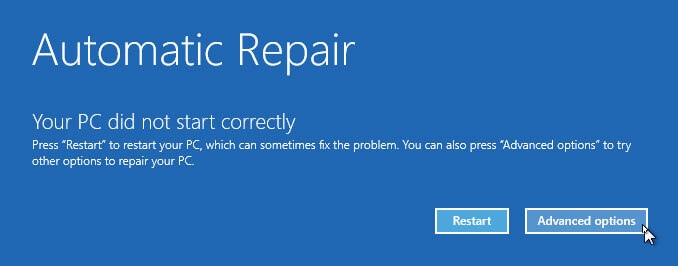
If the computer refuses to start, repeatedly restarts during boot, or gets stuck at the motherboard logo, the CPU could be failing. In some cases, the motherboard could emit beep codes or display diagnostic LEDs that indicate a processor related issue. Although motherboard and power supply failures can similar symptoms, recurring boot problems should never be ignored.
5. Random Error Messages And Application Crashes
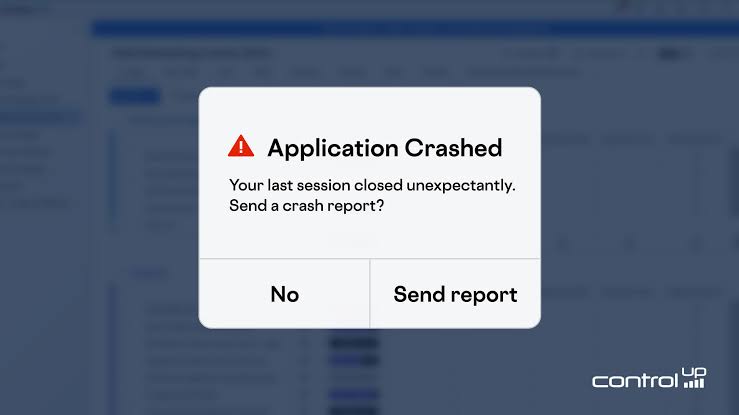
A damaged CPU may produce error that seem unrelated. Applications may close unexpectedly, files may become corrupted during processing, or your BIOS may display CPU warnings. These problems usually become more frequent over time as the processor deteriorates. If you’ve ruled out software conflicts and memory issues, it’s worth testing the CPU using reliable diagnostic tools.
6. Unusual Fan Activity
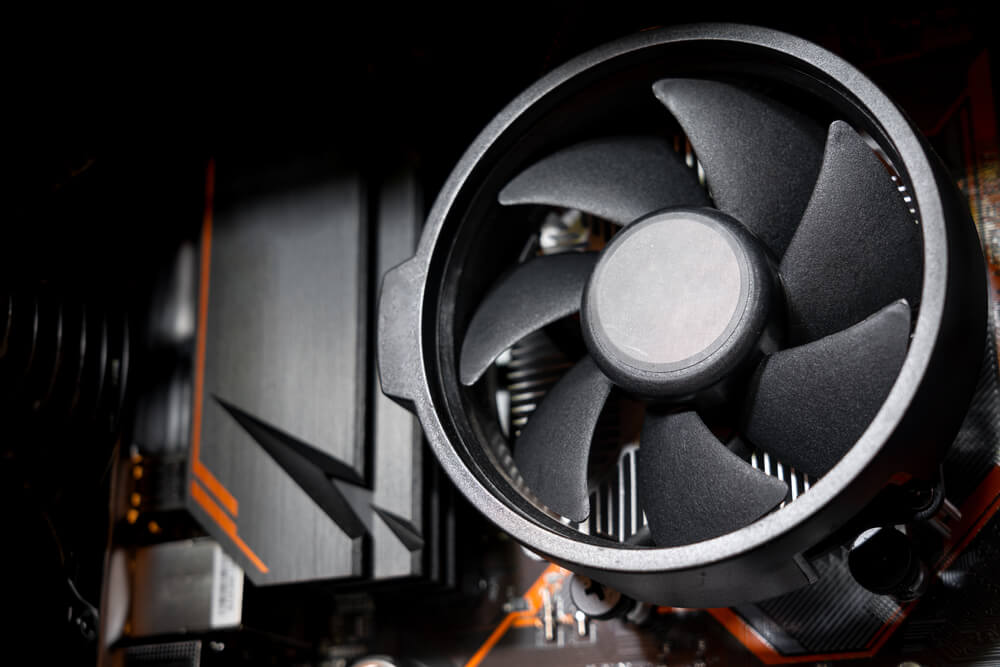
Your CPU cooling fans adjusts it’s speed based on processor temperature. If the fan constantly runs at maximum speed, becomes unusually noisy, or frequently speeds up even when the computer is idle, the processor may be overheating or working harder normal due to internal issues. While faulty cooling systems can cause the behaviour, unusual fan activity should prompt further investigation.
7. Burning Smell or Visible Physical Damage
A burning smell coming from your computer is one of the most serious warning signs. If you notice scorch marks near the CPU socket, melted components or signs of electrical damage, turn off the computer immediately and disconnect it from power. Continuing to use the system could damage other expensive components, including motherboard and memory.
Final Thoughts
CPU failures are uncommon, but they do happen. Fortunately, processors often show warning signs before they stop completely. Diagnose the issue early, back up your important files and seek professional assistance if necessary. Regular cleaning, proper cooling and reliable power supply are the best ways to extend the life of your CPU and keep your computer running reliably for years.